
 Login
Login
What blocks QuickLook from some directories?
In my recent look at what happens with image attachments in Messages, I came across a whole tree of directories in which the generation of QuickLook thumbnails and previews are blocked, in what macOS calls a QuickLook protected directory. This article tries to explain how those work, and how thumbnails and previews can be blocked.
How thumbnails are obtained
When you select a file in a Finder view that should result in the display of its thumbnail in the Preview pane in that window, the Finder requests it from the QuickLookThumbnailingDaemon. That queues the request until the daemon can look for the image in its memory cache. If it can’t find it there it then looks in the disk cache, first at low quality 20 x 20 icon mode. If it still can’t find it, it queues a request for a fresh thumbnail to be generated. That will use the file data together with the appropriate qlgenerator code to create a thumbnail, which is then returned and cached.
Some years ago, Apple started to protect that thumbnail disk cache from access by third-parties, and it’s now locked away as a DataVault. QuickLook selects the appropriate qlgenerator depending on the UTI of the file, and that can occasionally result in a mismatch and failure to generate a thumbnail. Otherwise this sequence has become generally reliable. That is, until QuickLook decides that the file is in a protected directory.
Protection
The first indication that a thumbnail won’t be generated for a file is the log entry00.483701 com.apple.quicklook Client is not allowed for url [private], reason: protected directory
That’s then returned as an error00.483702 com.apple.quicklook Not thumbnailing [private]
00.483722 com.apple.quicklook QLPreviewThumbnailGenerator did not generate an image for item: [private]. Error: Error Domain=QLThumbnailErrorDomain Code=0 "Could not generate a thumbnail"
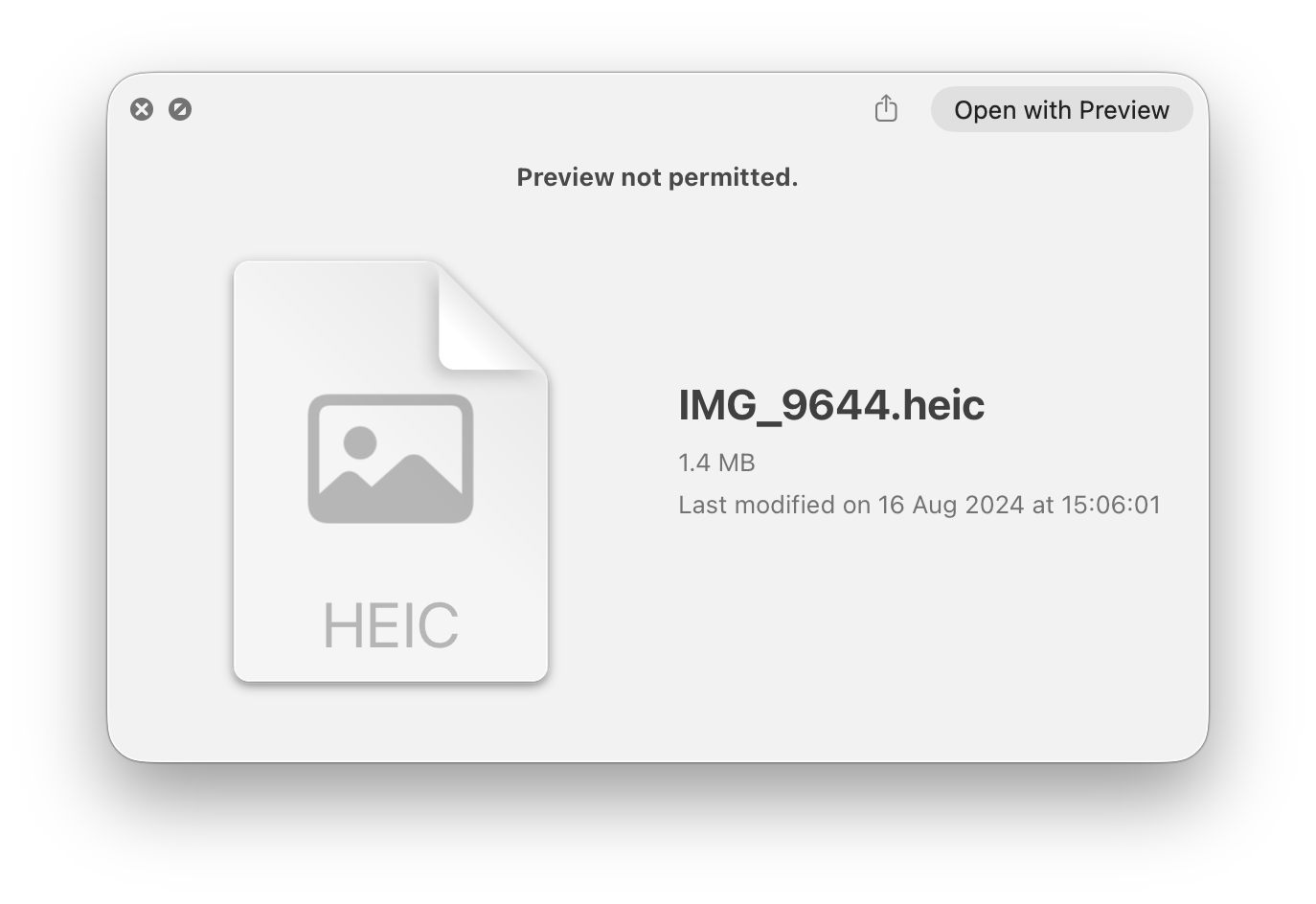
You then see a generic icon as the “most representative thumbnail”. A similar sequence is performed for QuickLook previews, resulting in a preview window similar to that below.
Which directories are protected?
It’s normally claimed by users and AI that files are excluded from QuickLook thumbnails and previews by excluding them from Spotlight search. I’ve recently provided detailed accounts of controls that can exclude items from Spotlight search, and special considerations that apply to Library folders. It’s simple to discover whether those also apply to QuickLook, and confirm that they generally don’t.
So far, the only folders that I have found that are consistently protected from QuickLook are those inside ~/Library/Messages/Attachments/. Although those are also excluded from Spotlight search, most other files and folders that are excluded from Spotlight search still have QuickLook thumbnails and previews available. Nor is there any indication that directory naming (such as prefixing a dot .) or extended attributes have any role to play in determining which directories are excluded from QuickLook.
Another simple test is to browse images stored in ~/Library/Photos/Libraries/Syndication.photoslibrary, in /scopes/syndication/originals. While those are excluded from Spotlight search, they have normal QuickLook thumbnails and previews.
These behaviours are unfortunate for the user. Storage settings includes a category to discover large attachments in Messages, but they can’t be seen in thumbnails or previews, as they’re in a protected directory inside ~/Library/Messages/Attachments/, which defeats the purpose.
I’ve been unable to discover any property list or other accessible control over which paths are set as QuickLook protected directories, or whether others exist in macOS.
Conclusions
- The contents of ~/Library/Messages/Attachments/ can’t have QuickLook thumbnails or previews generated, as that’s a QuickLook protected directory.
- Although that directory is also excluded from Spotlight search, other directories and files that are excluded from Spotlight search are fully accessible to QuickLook.
- Excluding items from Spotlight search doesn’t normally exclude them from QuickLook.
- Beyond this, settings for QuickLook protected directories are currently unknown.

