Login
Login

Does Safe mode check the startup disk?
Look in Apple’s support note explaining Safe mode, and you’ll see a list of three things that mode is claimed to do:
- “Prevents certain software from loading as your Mac starts up. This includes login items and extensions that aren’t required by macOS, and fonts that weren’t installed by macOS.”
- “Performs a basic check of your startup disk, similar to the more comprehensive check performed by the First Aid feature of Disk Utility.”
- “Clears some system caches, including font caches and the kernel cache, which are automatically created again as needed. This can temporarily make more storage space available on your startup disk.”
That note is well-maintained, and its US version was last updated on 5 December last year. This article examines what “basic check of your startup disk” is performed, how “similar” it is to the First Aid feature in Disk Utility, and whether it differs from checks performed during startup in normal mode. All testing has been performed in macOS 26.3 Tahoe on Apple silicon Macs.
Reporting
Disk checks made in Safe mode aren’t reported to the user in the GUI. There’s no notification that they have been completed, neither is there any record made in System Information. They are, though, reported in three more obscure places most folk won’t try accessing:
- /var/log/fsck_apfs.log, accessible in Console or a text editor,
- /var/log/fsck_apfs_error.log, accessible in Console or a text editor,
- the Unified log, accessible using a log browser such as LogUI.
A typical entry in the first of those, for the Data volume, reads/dev/rdisk3s5: fsck_apfs started at Mon Mar 2 06:46:45 2026
/dev/rdisk3s5: error: container /dev/rdisk3 is mounted with write access; please re-run with -l.
/dev/rdisk3s5: fsck_apfs completed at Mon Mar 2 06:46:45 2026
Seven of the volumes checked during startup report that same error, and the only two in the boot volume group that report completion of the check are the System volume, unmounted during normal running, and the Signed System Volume, which has its own error-checking and is a snapshot in any case. Those that do complete and provide further information uniformly report/dev/rdisk7s3: ** QUICKCHECK ONLY; FILESYSTEM CLEAN
fsck_apfs_error.log contributes no useful information, as many of its entries are uninformative, for exampledev= uuid=00000000-0000-0000-0000-000000000000 vers=2632.80.1.0.1 default_ans=n result=0 fp=0 fl=-1 repairs=0 time=0 iter=1
fsck_apfs completed at Mon Mar 2 06:46:45 2026
which completely fails to identify the volume being reported.
Corresponding entries in the Unified log for the Data volume are similar to those in fsck_apfs.log:06:46:45.153989 com.apple.DiskArbitration.diskarbitrationd probed disk, id = /dev/disk3s5, with apfs, ongoing.
06:46:45.175308 com.apple.DiskArbitration.diskarbitrationd fsck status 65 /dev/rdisk3s5
06:46:45.182032 com.apple.DiskArbitration.diskarbitrationd probed disk, id = /dev/disk3s5, with apfs, success.
Checks performed
It’s clear from those reports that fsck_apfs is performing a ‘quick check’ of each volume after it has been mounted ready for use. According to man fsck_apfs, that “causes fsck_apfs to quickly check whether the device is `clean’. If device is an APFS volume, fsck_apfs will quickly check the APFS container and the specified APFS volume.” A status code of 65 is well-known from First Aid in Disk Utility as indicating that the volume being checked was mounted for writing at the time, so no check has been performed, as that would require the volume to be unmounted first.
First Aid checks
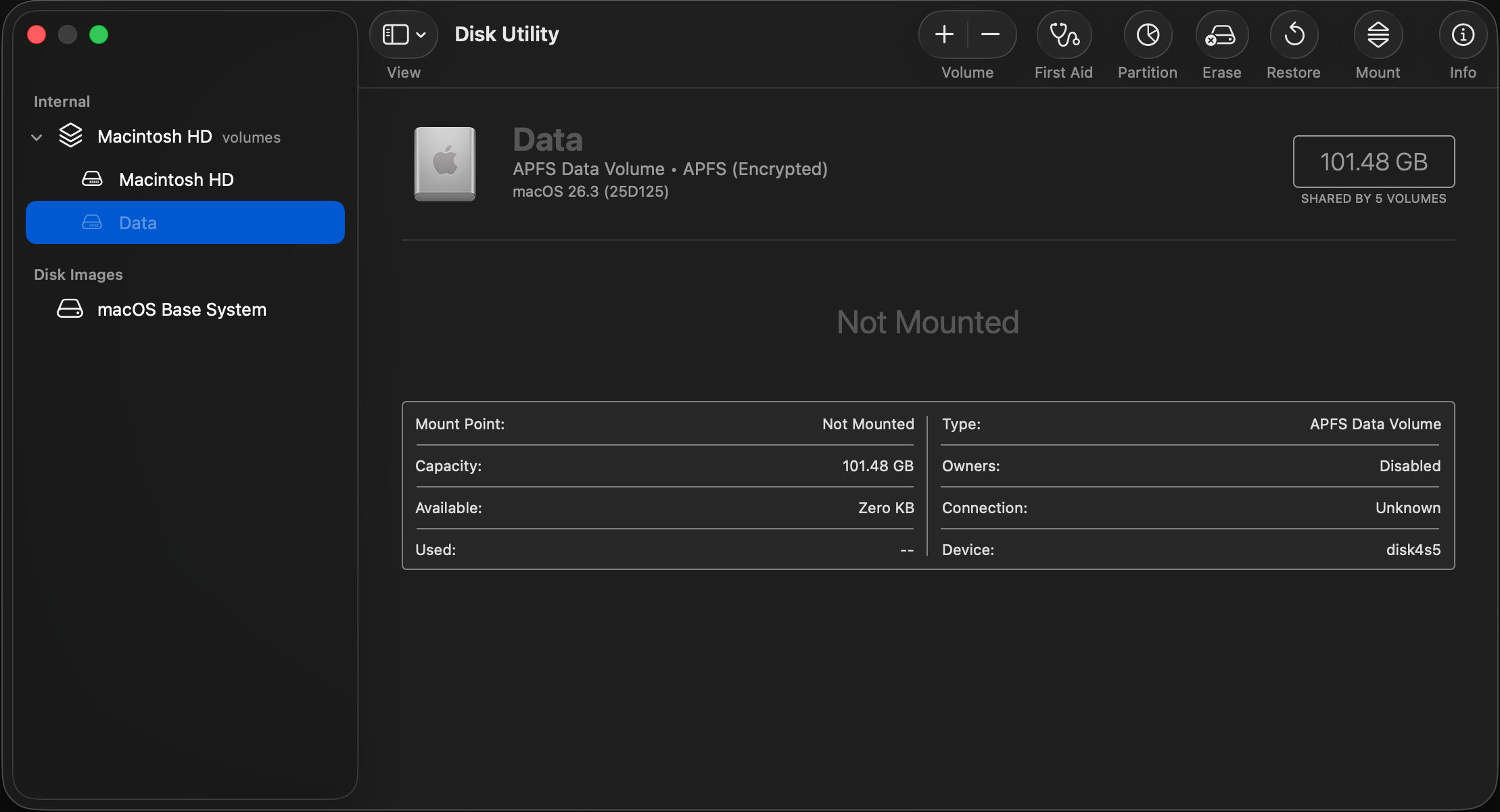
Normally, running First Aid in Disk Utility on a volume causes that volume to be unmounted, and a full fsck_apfs to be performed, in which any errors found will be repaired if possible. In addition to checking that volume, any snapshots of it will also be checked, although they cannot normally be repaired. Checking snapshots is time consuming, and when using the command tool fsck_apfs can be skipped using the -S option, although that’s not available in Disk Utility, which automatically includes snapshot checks.
Normal startup
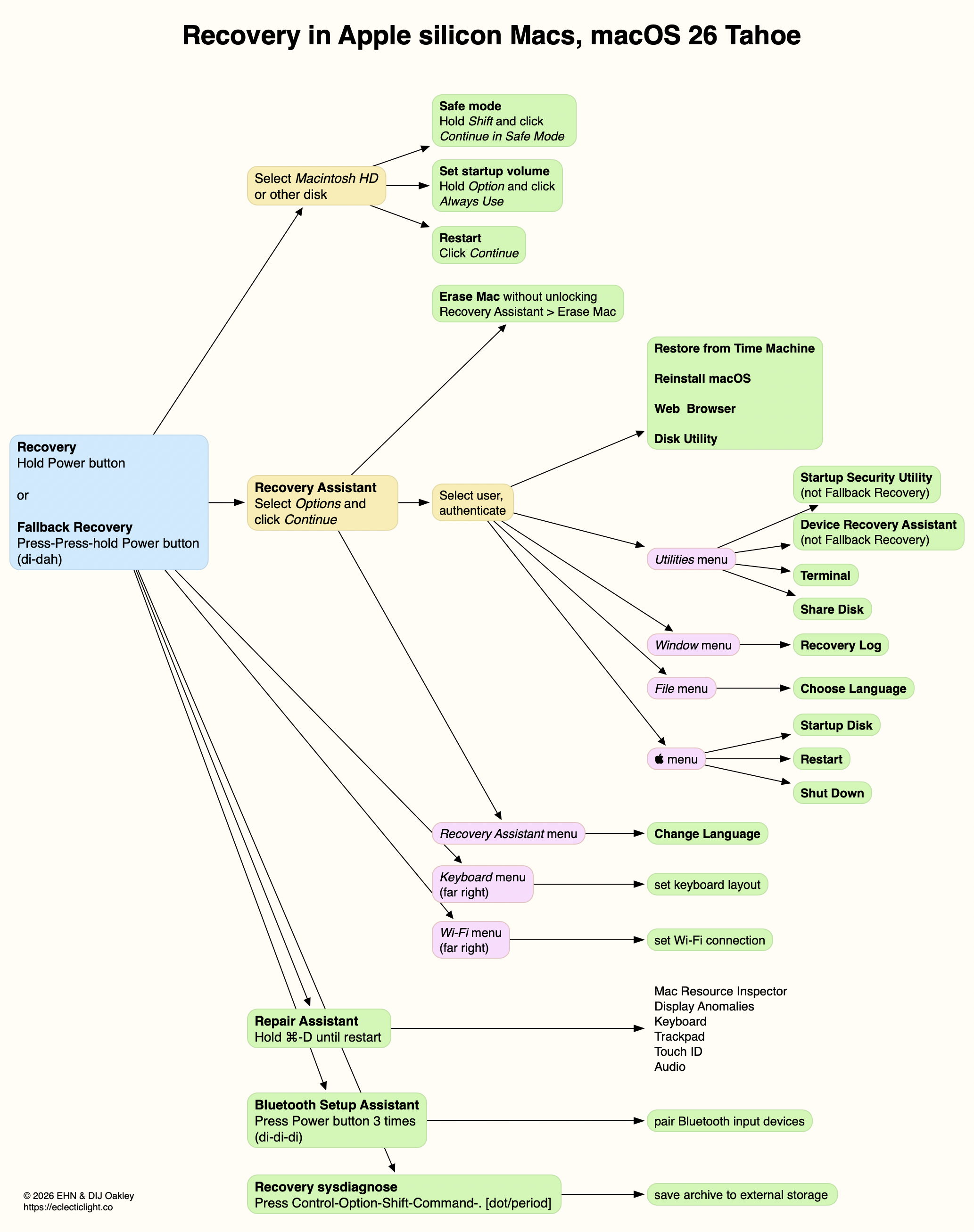
Exactly the same checks as those made in Safe mode are also performed at the same point when starting up in normal user mode, but not when starting up in Recovery mode. Reporting in fsck_apfs.log and the Unified log is identical, with the same volumes returning status 65 each time.
In this respect, Safe mode is no different to normal user mode.
History
Prior to the introduction of macOS Catalina in 2019, starting up in Safe mode resulted in a full scan of all volumes and snapshots using fsck_apfs in normal mode. As that could take an hour or more, and delayed startup for the whole of that period, checks changed in Catalina, since when they have only used quick checks. Despite that, Apple has continued to claim that one of Safe mode’s features is checking disks similarly to First Aid in Disk Utility.
Q&A
Does Safe mode perform “a basic check of your startup disk”?
Although quick checks are attempted during startup in Safe mode, because of the circumstances, they can’t be run on the Data volume, but they should complete on external volumes.
Is that check “similar to the more comprehensive check performed by the First Aid feature of Disk Utility”?
No. When it is able to complete, all it does is verify the file system is ‘clean’ and not already in need of repair. Checks in First Aid are more extensive, include any snapshots, and include any repairs found to be necessary.
Do the disk checks performed in Safe mode differ from those that occur during normal startup?
No. Safe mode doesn’t add any disk checks beyond those that already occur during normal startup.
Recommendations
If you want to check any of your Mac’s volumes or disks, don’t try using Safe mode. Instead, use First Aid in Disk Utility (or fsck_apfs). If you want to check one of the volumes in the current boot volume group, prefer doing so in Recovery mode.