Login
LoginExplainer: WindowServer
macOS apps manage the contents of their own windows, drawing and refreshing them as needed. To assemble all those into what you see on the display requires the services of the master compositor, WindowServer. From the moment the login window appears during startup, WindowServer is hard at work, and remains so until you shut your Mac down. Without WindowServer there could be no GUI.
Open Activity Monitor, and you’ll see WindowServer close to the top of the lists of CPU, Memory and Energy users, and when it’s getting into trouble that’s always a good place to check what’s going on. You may also notice that it’s one of a pair of processes including distnoted with their own user, _windowserver. They’re part of a group of interconnected services that handle window management, compositing of windows into the display image, and event-routing for apps, with distnoted responsible for system message notification. In the log, WindowServer is often associated with the com.apple.SkyLight subsystem.
Compositing
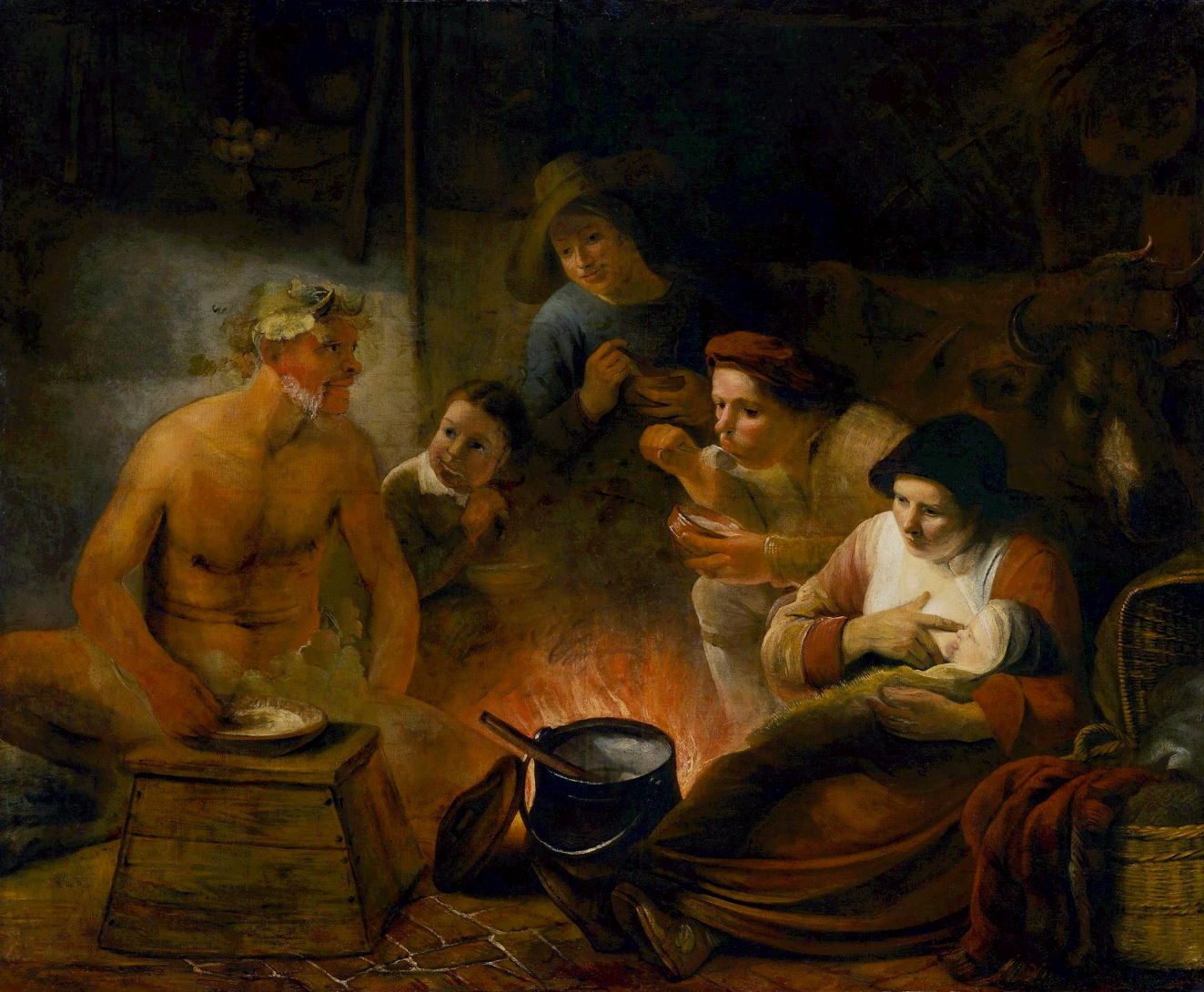
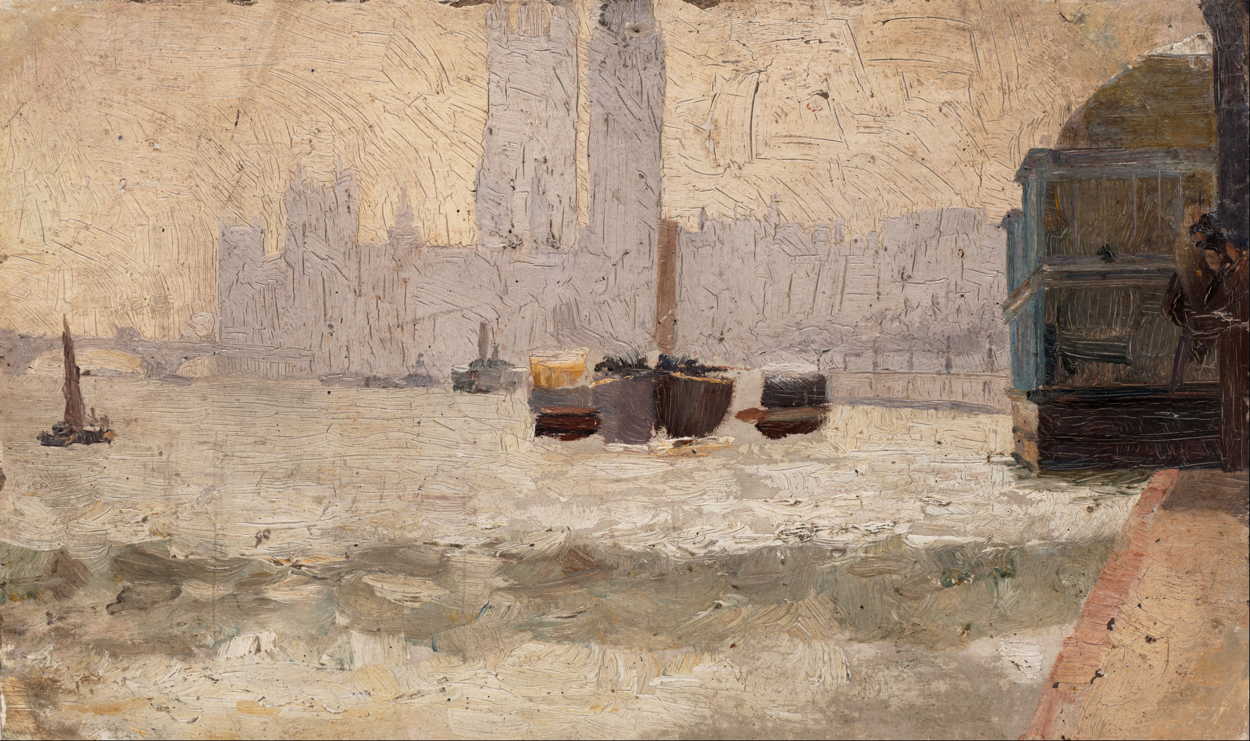
You can get a good idea of what WindowServer does using screenshots. Using Command-Shift-4, then pressing the Space Bar and selecting a window, you’ll get a shot of an individual window, as shown in the examples below.


WindowServer then positions them according to their current locations on the whole display, and produces a layered composite, as you’ll see in a screenshot taken with Command-Shift-3.

That composite is then sent through the graphics driver to graphics output hardware.
With its central position in managing windows and compositing them, WindowServer is also responsible for handling Spaces (introduced in Mac OS X 10.5 Leopard), window tabs, multiple displays, and behaviours that stream or extract parts or all of a display image, such as taking screenshots. Because WindowServer knows which app’s windows are where, and which are at the front, it also routes events to each app. For example, when you click on a window it’s WindowServer that determines which app owns it, and passes the event to that app to handle.
Increasing demands
This has become more involved since the introduction of Catalyst apps from macOS 10.14 to 11, and more so since Apple silicon Macs have brought the ability to run iOS and iPadOS apps. iOS uses a series of -board services in its GUI, including SpringBoard as the Home Screen manager instead of the Finder, FrontBoard to manage the app’s scenes, and FuseBoard its menus, which are now run in macOS as well. RunningBoard, which manages the resources available to apps and processes, has been incorporated into macOS for some years.
The introduction of Stage Manager in macOS Ventura in 2022 has also been stretching WindowServer, and can substantially increase its demands on CPU and memory.
Troubleshooting
You can reduce WindowServer’s workload by closing tabs and windows, turning Stage Manager off, reducing the number of Spaces, and quitting non-essential apps. Even when window or tab contents aren’t visible, they still have to be managed.
If WindowServer stops working, for instance when it crashes, not only does everything on the display(s) freeze, but routing of input events such as clicks or taps also stops. Although in the past macOS has sometimes been able to log the current user out and restart WindowServer, fatal WindowServer problems are now most likely to result in a kernel panic or a complete freeze. If your Mac freezes rather than restarts, a forced shutdown may be your only way forward. Recurrent WindowServer crashes suggest a problem with the graphics driver or graphics hardware, and should always be reported to Apple via Feedback.
Summary
- WindowServer works between app window management and display drivers to composite windows and on-screen items, producing the image to be displayed.
- With
distnotedit also routes events to apps, and manages system message notification. - Demands on its services are increased with Spaces and Stage Manager, and it works with the different expectations of Catalyst and iOS/iPadOS apps running in macOS.
- When it fails, displays freeze and input responses cease. If those don’t precipitate a kernel panic and restart, a forced shutdown may be the only solution.
- Report recurrent problems to Apple in Feedback.